
If you are new to digital marketing, learning SEO can feel confusing at first. There are so many terms like keywords, backlinks, technical SEO, on-page optimization, and indexing. But the good news is this — SEO is not difficult when you understand the basics.
In this guide, you will learn practical and actionable SEO tips for beginners that you can start applying immediately to improve your website rankings.
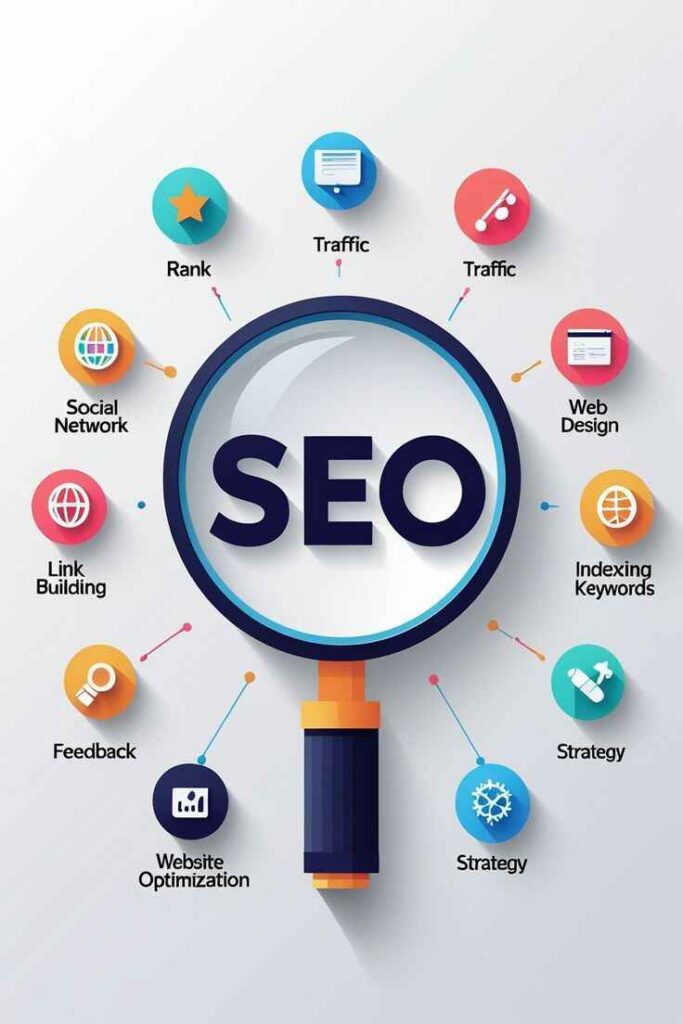
What Is SEO and Why Is It Important?
SEO (Search Engine Optimization) is the process of improving your website so it appears higher on search engines like Google.
When someone searches for:
- “seo tips for beginners”
- “how to rank on Google”
- “learn SEO step by step”
Google shows the most relevant and optimized websites at the top. SEO helps your website become one of them.
Why SEO Matters:
- It brings free organic traffic
- It builds credibility and trust
- It gives long-term results
- It increases leads and sales
For students, freelancers, bloggers, and business owners, SEO is one of the most valuable digital skills in 2026 and beyond.
1. Start With Keyword Research
Keyword research is the foundation of SEO.
A keyword is the word or phrase people type into Google. If you want to rank, you must know what your audience is searching for.
How to Do Keyword Research:
- Use Google autocomplete suggestions
- Use Google Keyword Planner
- Try free tools like Ubersuggest
- Look at competitor websites
Beginner Tip:
Focus on long-tail keywords (3–5 words). For example:
Instead of targeting “SEO”, target “SEO tips for beginners”.
Long-tail keywords have lower competition and are easier to rank.
2. Create High-Quality Content
Content is the most important ranking factor.
Google ranks helpful, informative, and well-structured content.
Your blog should:
- Solve a real problem
- Be easy to read
- Use short paragraphs
- Include bullet points
- Answer common questions
Content Optimization Tips:
- Write at least 800–1200 words
- Use your main keyword naturally
- Add related keywords
- Avoid keyword stuffing
Always remember: Write for humans first, then optimize for search engines.
3. Optimize On-Page SEO
On-page SEO means optimizing everything inside your website.
Important On-Page Elements:
Title Tag
Include your main keyword in the title.
Meta Description
Write a short description (150–160 characters) that includes your keyword.
URL Structure
Keep it short and clean.
Example: yourwebsite.com/seo-tips-for-beginners
Headings
Use proper headings to structure content clearly.
Internal Linking
Link to other relevant pages on your website.
Image Optimization
Use alt text and compress images to improve speed.
On-page SEO is one of the easiest SEO tips for beginners to implement.
4. Improve Website Speed
Website speed directly affects rankings.
If your site loads slowly:
- Users leave quickly
- Bounce rate increases
- Rankings drop
How to Improve Speed:
- Compress images
- Use lightweight themes
- Avoid too many plugins
- Use fast hosting
You can check website speed using Google PageSpeed Insights.
5. Make Your Website Mobile-Friendly
Most users browse using mobile devices.
Google uses mobile-first indexing, which means it checks your mobile version first.
Make sure:
- Text is readable
- Buttons are easy to click
- Pages load properly
- Design is responsive
A mobile-friendly website improves both rankings and user experience.
6. Build Quality Backlinks
Backlinks are links from other websites pointing to yours.
They signal trust and authority to Google.
But remember:
Quality is more important than quantity.
Beginner-Friendly Ways to Get Backlinks:
- Write guest posts
- Share blogs on LinkedIn
- List your website in directories
- Create helpful content worth sharing
Avoid buying backlinks — it can harm your website.
7. Use Google Search Console
Google Search Console is a free and powerful SEO tool.
It helps you:
- See which keywords bring traffic
- Fix indexing issues
- Submit sitemap
- Track performance
If you are serious about learning SEO, this tool is essential.
8. Focus on Basic Technical SEO
Technical SEO improves how search engines crawl your website.
You don’t need advanced coding skills for the basics.
Important Technical Tasks:
- Install SSL certificate (HTTPS)
- Submit XML sitemap
- Fix broken links
- Remove duplicate content
- Improve site structure
Technical SEO ensures Google can properly read and index your site.
Common SEO Mistakes Beginners Should Avoid
Many beginners make these mistakes:
Keyword stuffing
Using the same keyword too many times.
Copying content
Duplicate content can lead to penalties.
Ignoring user experience
Poor design and slow speed hurt rankings.
Expecting quick results
SEO takes time — usually 3 to 6 months.
Stay patient and consistent.
Simple SEO Checklist for Beginners
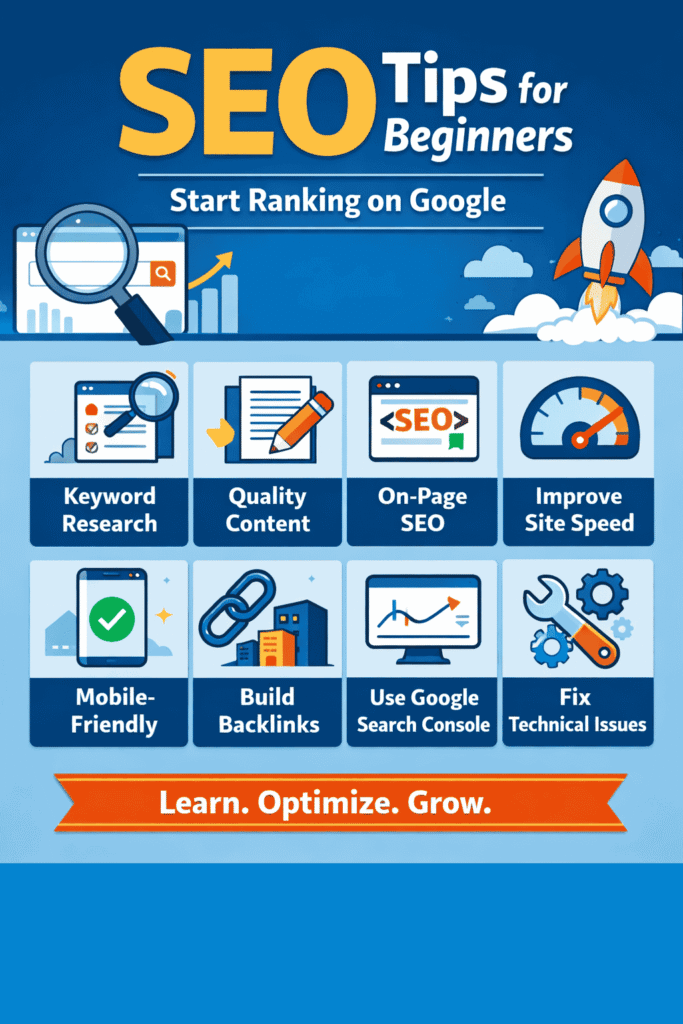
Here’s a quick checklist you can follow:
- Choose one main keyword
- Do proper keyword research
- Write helpful content
- Optimize title and meta description
- Add internal links
- Optimize images
- Improve page speed
- Make website mobile-friendly
- Build quality backlinks
- Track results regularly
Follow this consistently, and you will start seeing improvement.
Final Thoughts on SEO Tips for Beginners
SEO is not about tricks.
It’s about understanding how search engines work and creating valuable content.
If you are just starting:
Start small.
Learn one concept at a time.
Apply what you learn.
Track your results.
The best way to master SEO is through practice.
Create your blog.
Optimize it.
Improve it consistently.
Over time, your rankings will grow.
FAQs About SEO for Beginners
How long does SEO take to show results?
Usually 3–6 months depending on competition and consistency.
Can beginners do SEO without spending money?
Yes. Many free tools are available, and organic SEO strategies cost nothing.
Is SEO difficult to learn?
No. If you understand the basics and practice regularly, it becomes easy.
How many keywords should I use in one blog post?
Focus on one primary keyword and 3–5 related keywords.